
VideoTag
Put a video on a sticker.
- Record a short video on a phone.
- Print a QR label for it, on a label printer or a sheet of stickers.
- Scan the label with any phone camera to watch. Nothing to install.
The story behind a grandparent's things, while someone still remembers it. How to reset the router. What is in each moving box, care instructions on a plant, a message inside a card.
Get VideoTag
VideoTag is in testing, on its way to the App Store and Google Play.
Through TestFlight, Apple’s app for testing. It installs first, then VideoTag.
On Android: install the test build, until VideoTag is on Google Play. Stuck? Email relaxed.possums_0z@icloud.com.
See it working
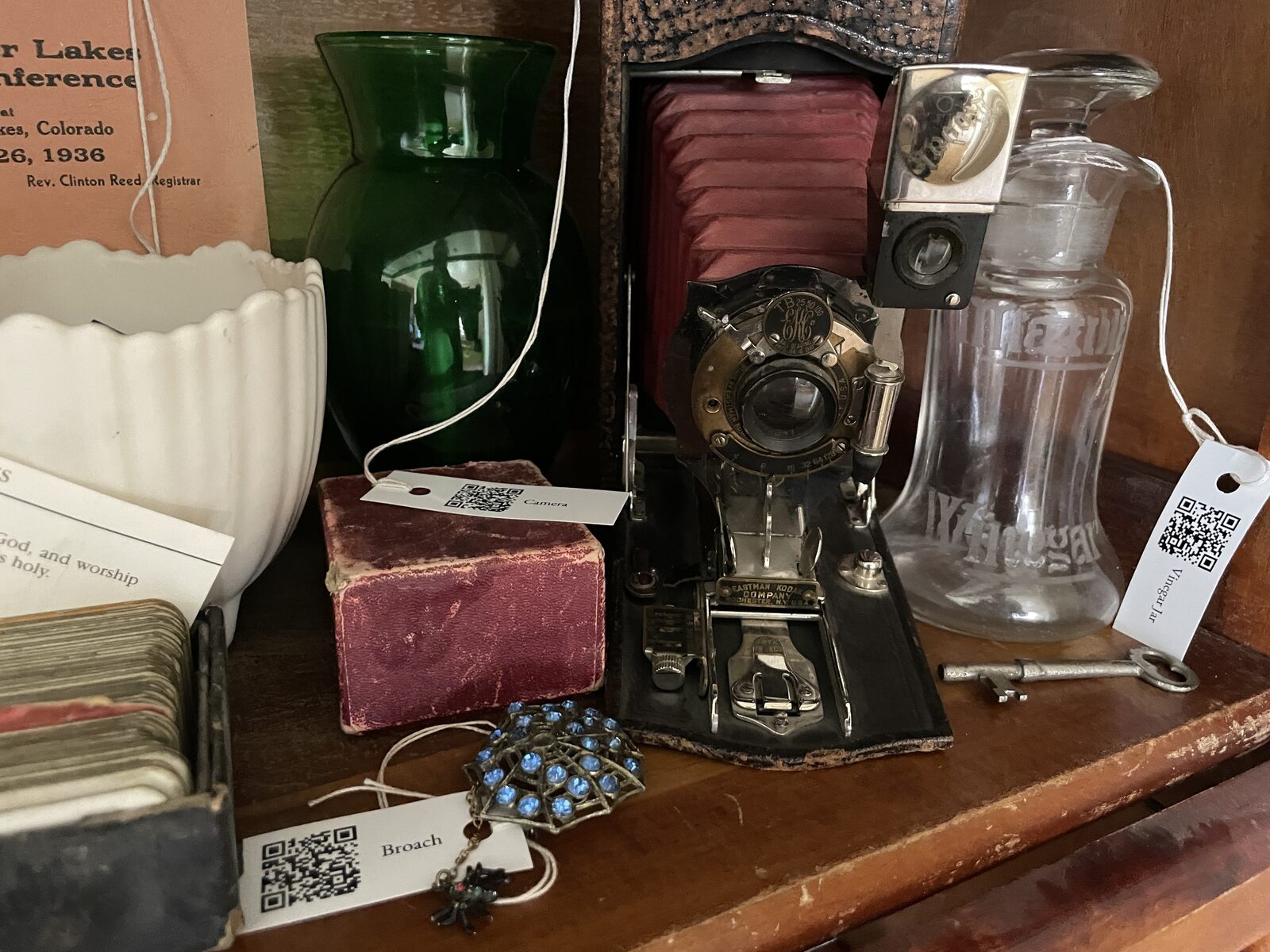
Real labels, on a shelf at a family cabin. Scan one with a phone camera, or watch what they play:
These were made by hand, years before the app. I had manually uploaded videos, created QR code labels in a custom spreadsheet. Enough people asked how to do it themselves that I created VideoTag.
Where the videos go
VideoTag has no servers and no accounts. Videos are saved to the Google Drive, YouTube channel or S3 storage the person using the app chooses, and stay there.
- Google Drive: videos go in a folder named “VideoTag videos”. VideoTag can see only the files it saved itself.
- YouTube: videos are uploaded as Unlisted, so only people with the link or the label can watch, and collected in a private playlist named “VideoTag”. The app can rename and delete the videos it shows.
- Google account data is used only to do those things, never for advertising, and is not sold or shared. See the Privacy Policy.
By Stan James · Privacy Policy · Terms of Service · Contact
Try Stan's other apps
Small apps, made by me to solve my own problems or just for fun!
- Session Cam Record a whole practice session, keep only the attempts.
- Lifeslice A photo and a slice of your day, every few minutes. Everything stays on your Mac.
- Zone Trainer Hear your heart rate zone out loud while you train. Any Bluetooth sensor, or your Apple Watch.
- Super Selfie Dance Match the smileys with your face, in time with the music.
All by Stan James · wanderingstan.com